PicPeak Documentation
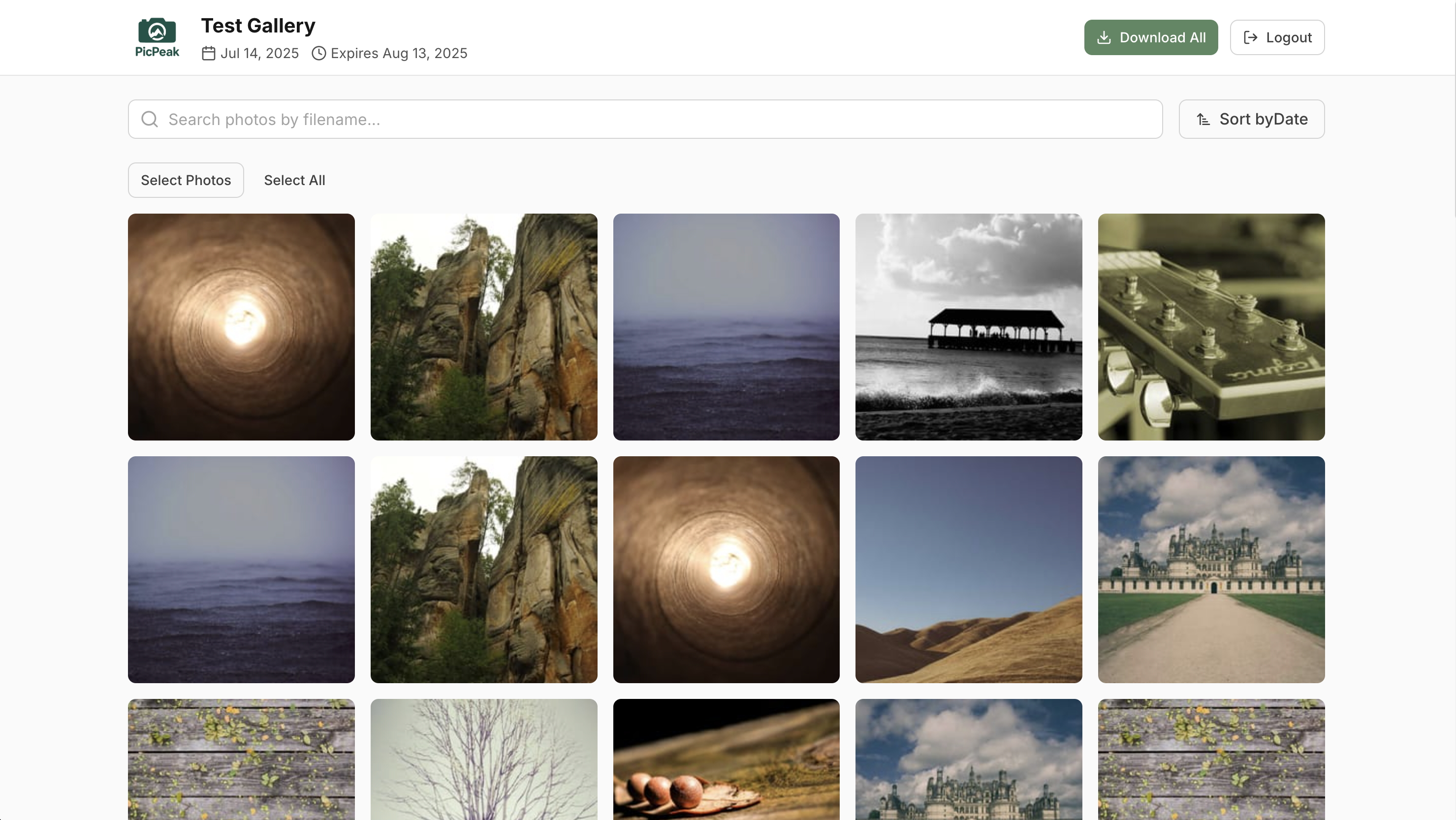
PicPeak is an open-source, self-hosted photo sharing platform for events. It gives photographers and event organizers a way to share beautiful, time-limited, password-protected galleries with clients — while keeping full control over data and branding.
- No monthly fees. Deploy once, run unlimited galleries.
- Your data stays on your server. Full ownership of photos and metadata.
- White-label ready. Custom themes, CSS, branding, and a public landing page.
- Mobile-first. Responsive design that works on every device.
Try the live demo — admin panel at demo.picpeak.app/admin (email: [email protected], password: Demo2026!).
Quick links
- Getting Started — from zero to your first gallery in under five minutes.
- Features — gallery management, themes, email, photo protection, video, analytics, and more.
- Deployment — Docker configuration, reverse proxy, SSL, environment variables.
- Guides — step-by-step walkthroughs for common tasks.
- API Reference — authenticate and automate with the Admin API.
- Contributing — set up a dev environment and submit pull requests.
Tech stack
| Layer | Technology |
|---|---|
| Backend | Node.js, Express, Knex |
| Frontend | React, TypeScript, Tailwind CSS, Framer Motion |
| Database | PostgreSQL (primary), SQLite (fallback) |
| Storage | File-based with automatic archiving |
| SMTP with queue-based processing and retry | |
| Analytics | Built-in dashboard + optional Umami integration |
| Infrastructure | Docker, Nginx, Redis |
Last updated on