Features
PicPeak includes everything a photographer needs to share event galleries with clients securely and professionally.
Core capabilities
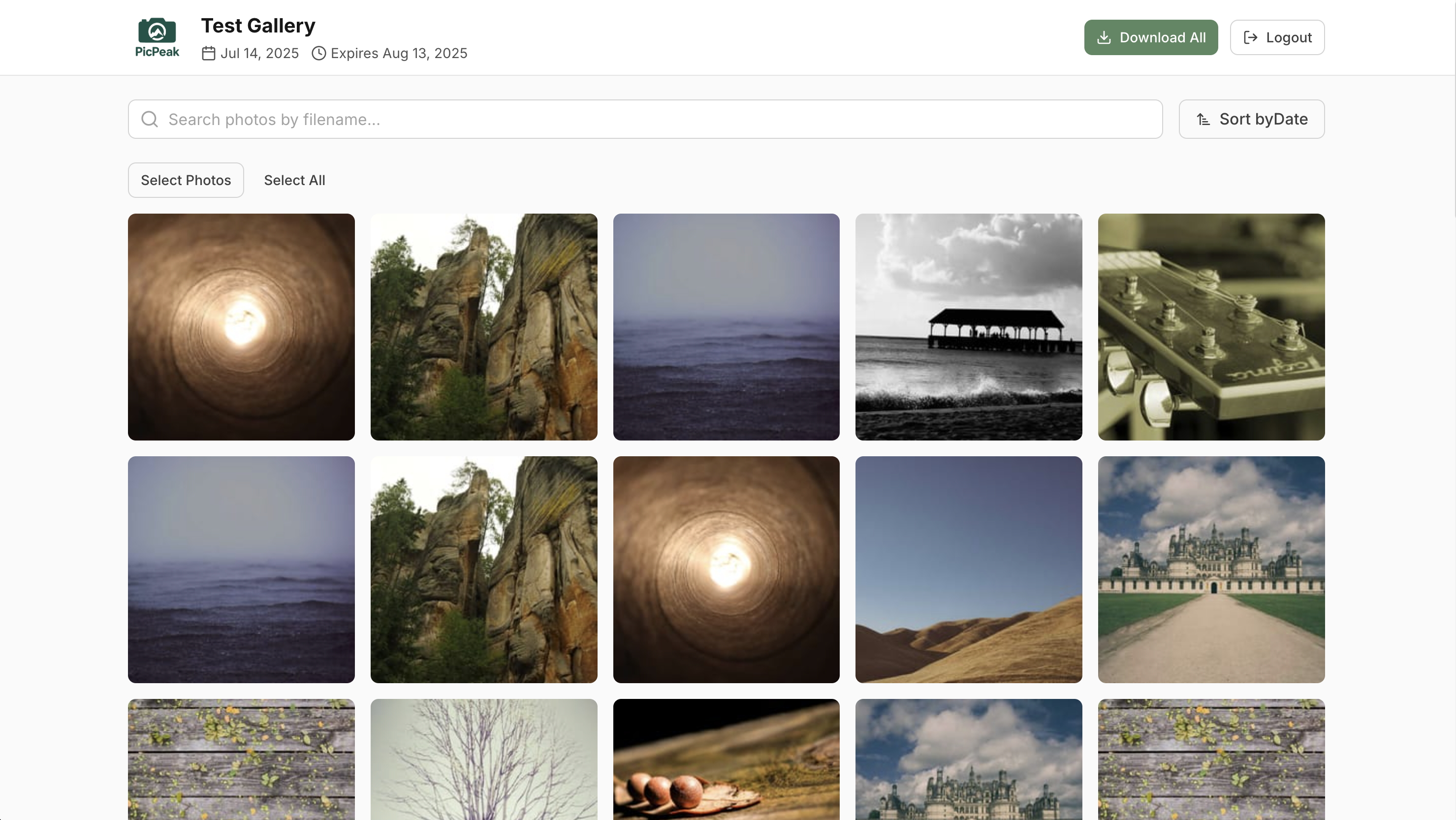
- Gallery Management --- create events with categories, passwords, expiration dates, and bulk uploads.
- Photo Categories & Folders --- group photos into filters, or into folders that guests open like chapters.
- Reveal Mode & Download Sizes --- keep photos hidden until the big moment, and cap the resolution guests can download.
- PicTransfer --- send originals from any event as a token-protected link, with an optional channel for the client to send files back.
- Draft Mode --- prepare events before publishing them to clients.
- Themes & Branding --- 11 built-in presets, custom CSS, white-label admin and login screens, and a public landing page.
- Email Notifications --- multilingual templates for gallery creation, expiration warnings, and password delivery.
- Photo Protection --- watermarking, right-click prevention, canvas rendering, and DevTools detection.
- External Media --- reference an existing folder library without copying originals, with manual imports or automatic folder watching.
- Analytics --- built-in dashboard for views, downloads, and engagement, plus optional Umami integration.
- Video Support --- upload and stream MP4, WebM, MOV, and AVI alongside photos.
- Feedback --- likes, ratings, comments, and admin moderation.
- Multi-Admin --- multiple administrator accounts with role-based permissions.
- Customer Accounts --- recurring clients log in once and see every gallery they’re assigned to, with admin-controlled per-gallery access revocation.
Business modules
On every channel from v3.132.1, and feature-flagged off by default on every install. “Beta” here describes how settled the surface is, not which channel carries it.
- CRM (Beta) --- quotes → contracts → invoices, hours logging, calendar, tax report. Seeded contract blocks and payment defaults are examples only and need legal / financial review before customer-facing use. See the overview page for the full beta disclosure.
- Accounting (Beta) --- supplier-invoice capture, internal expenses, VAT codes, chart of accounts, collective-journal export. Not a replacement for double-entry accounting software; verify everything with your accountant.
- PicTransfer --- cross-event file transfers with token-protected download links.
- Newsletter Campaigns --- rule-selected campaign sends to your customer list, with a per-customer marketing opt-out. Behind a
newslettersflag.
Last updated on