Analytics
PicPeak includes a built-in analytics dashboard and can forward gallery page views and events to an Umami or Rybbit instance for privacy-focused external analytics.
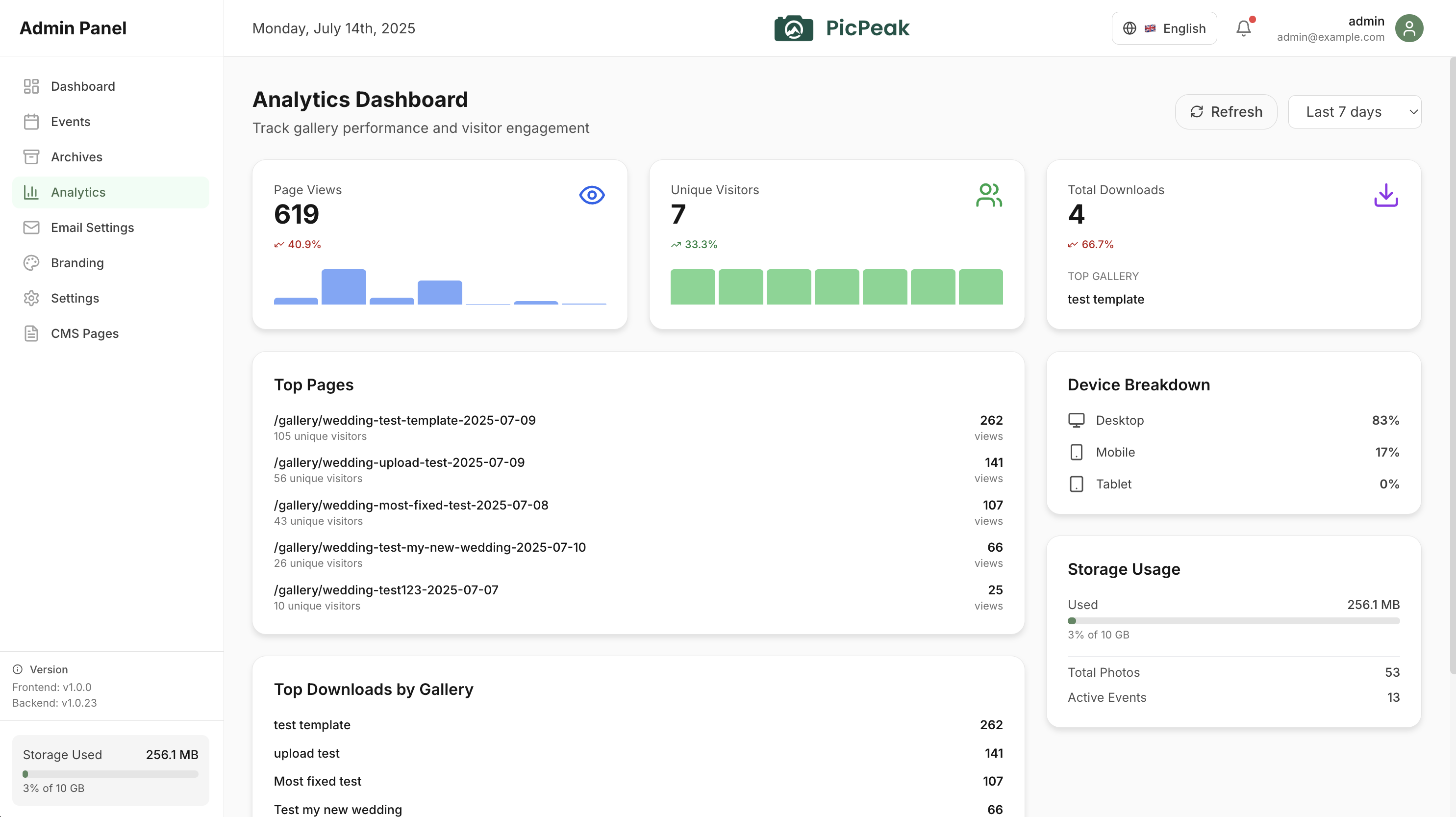
Built-in dashboard
The admin dashboard tracks:
- Gallery views --- how many times each gallery has been accessed.
- Photo views --- individual photo view counts.
- Downloads --- total and per-photo download counts.
- Engagement --- likes, ratings, comments, and feedback metrics.
Umami and Rybbit
Choose the collector under Settings → Analytics; see Analytics settings. No tracker script is loaded in the browser: the gallery sends a small data-only event to PicPeak’s own endpoint (POST /api/analytics/tracker/events), and the backend forwards it to the collector over HTTPS. Share tokens, query strings, page titles and referrers are removed before forwarding.
The VITE_UMAMI_URL, VITE_UMAMI_WEBSITE_ID and VITE_UMAMI_SHARE_URL build variables are no longer read, and custom tracker snippets are disabled (beta channel from v3.167.2-beta.0, stable from v3.134.2). Configure the collector in the settings instead.
Nothing is forwarded from the admin area, the customer portal, short links or one-time-link pages. Visitors whose browser sends Global Privacy Control are never counted; Do Not Track visitors are not counted unless a Super Admin switches Honour Do Not Track off (that switch is on the beta channel only).
If you set a share URL, the Analytics page opens the collector’s dashboard in a new tab, and embeds it when the dashboard runs on its own HTTPS host and the browser supports credentialless iframes.
An external collector is optional. The built-in analytics dashboard works without any external services.