Getting Started
Get PicPeak running and create your first gallery in three steps:
- Quick Start — clone the repo, configure
.env, start Docker. Takes about five minutes. - First Login — find your admin password and complete the mandatory password change.
- Your First Gallery — create a draft event, upload photos, and publish it to your client.
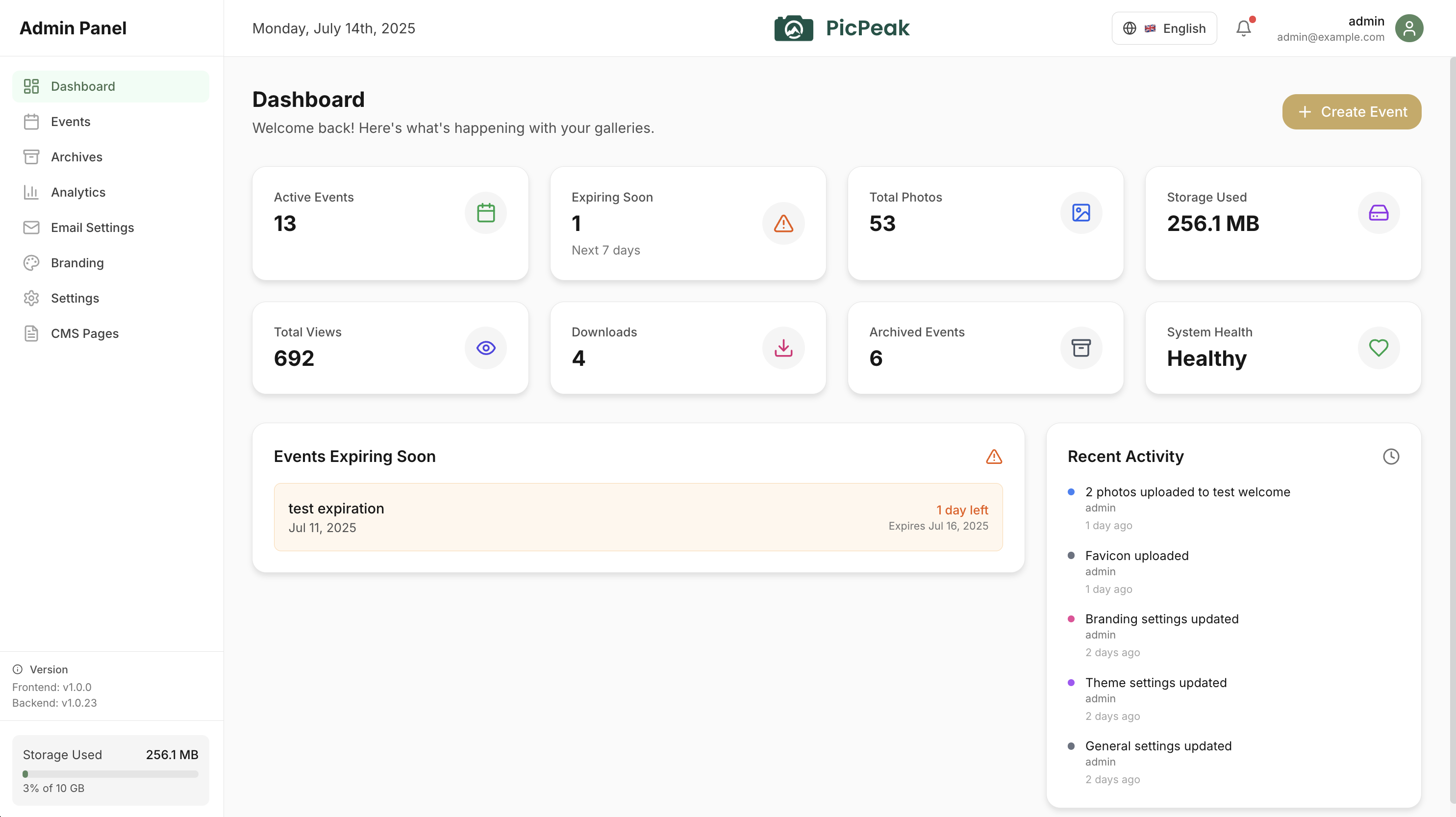
Once you’re up and running, check the Deployment section for production setup — Docker configuration, reverse proxy, SSL, and environment variable reference.
Last updated on